Make bookmarks using TurtleStitch
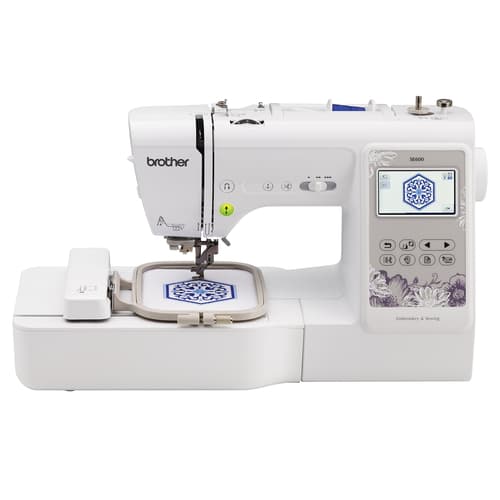
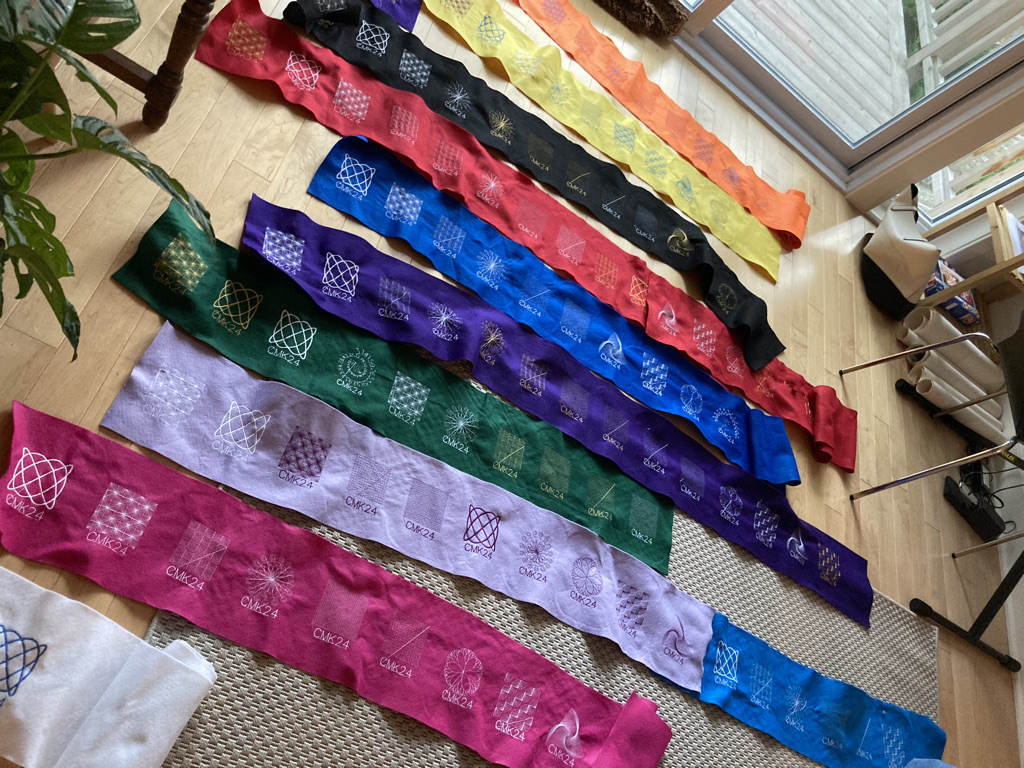
TurtleStitch is a program that makes it possible to write code to use on an embroidery machine (a sewing robot!). This project is about using it to create designs for bookmarks to be used to save your place in paper books. They may also double as coasters for drinking glasses as needed.
Familiarize yourself with the program by checking out the website. It contains many examples and descriptions.
Step-by-step Instructions
- Start by opening the TurtleStitch site and logging in to the class account.
- Open the Bookmarks Template file
- Save the file as “yourname bookmark”
- Experiment with designs and text until you have one you like. Remember that it must be less than 10 x 10cm (but close to that size) and contain no more than 5000 stitches (or so).
- Save your file, and then EXPORT it to a DST file on a USB memory stick.
- Choose felt colour and thread colour and have it embroidered on the Brother SE600 machine.